Eye strain or eye fatigue is a common problem for people spending hours on the computer. The problem is called computer vision syndrome and the symptoms include dry eyes, eye strain(eye fatigue), headaches and redness in the eyes. Common symptoms of the dry eyes and eye fatigue are itching eyes,red eyes, sandy or scratchy feeling, feeling that there is something in the eye and pressure in the eyes.
The main cause is the prolonged used of computers, tablets and phones with hours. In the normal environment for ages human were using their eyes to watch different objects at different distances. And the eye muscles responsible for the focus of the eyes had time to relax. Reading text online is keeping your eyes focused at the same distance all the time. This mean that eye muscles must keep their position without changing it and the muscle cant relax. This leads to the eye strain (eye fatigue) problem. The true is that reading and watching different things at close distance all the time is not normal for the humans. Another problem is the blinking. When the people are reading or working concentrating on something they reduce the frequency of the blinking. And blinking is needed to replenish the tear film which covers the eyes. When the blinking is reduced the film is not applied so often and it can cause irritation of the eyes which basically leads to the dry eye problem.
Few practical tips to reduce the dry eyes and eye strain symptoms
To reduce the eye fatigue and dry eyes problems is not enough to cure the symptoms there is need to avoid some of the causes for it.
Tip 1 - Give your eyes a break. Use eye defender program.
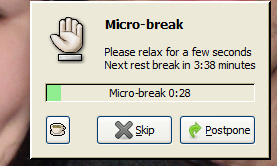
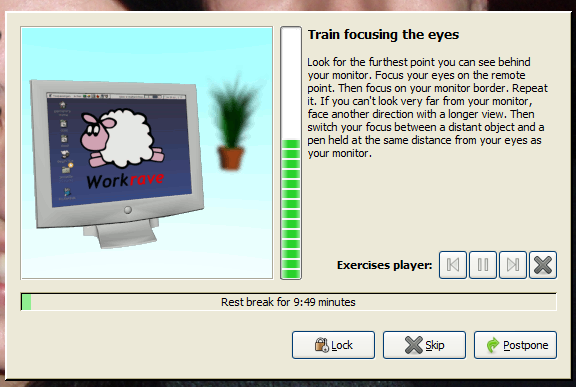
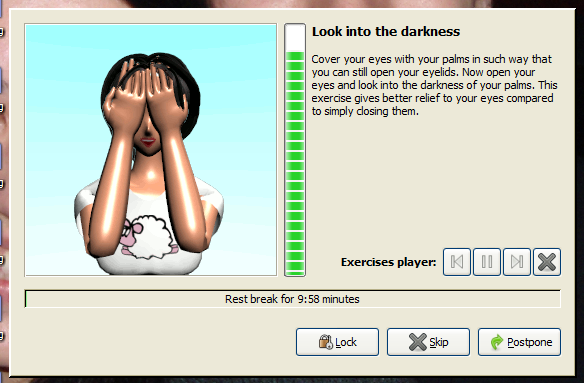
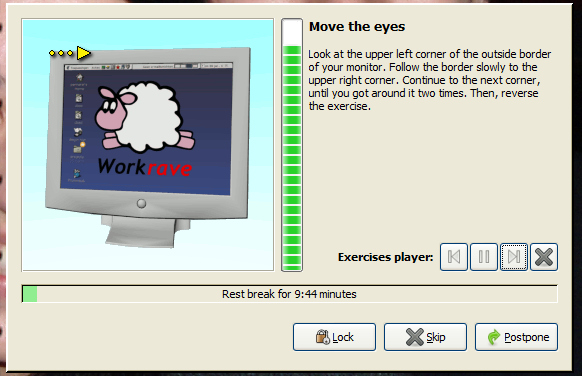
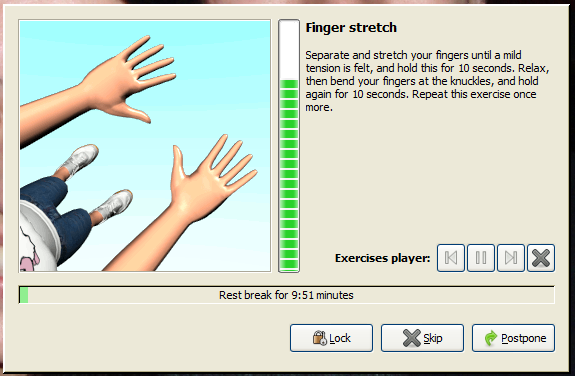
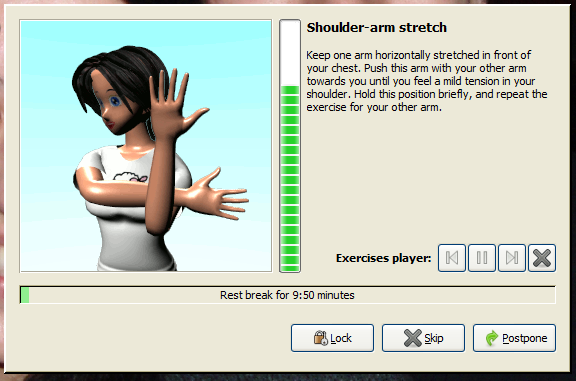
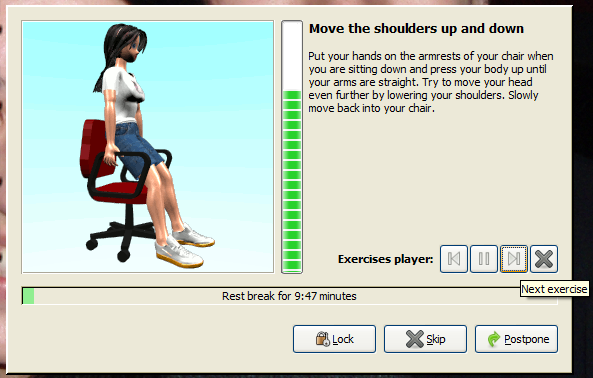
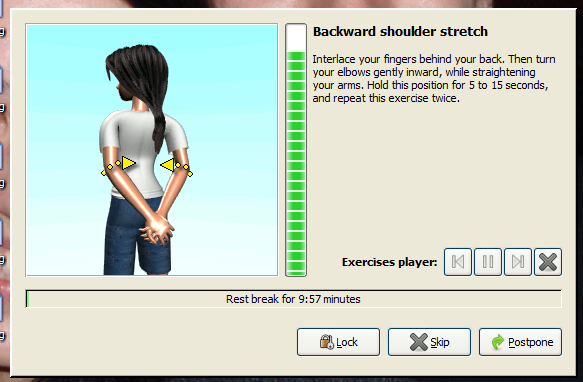
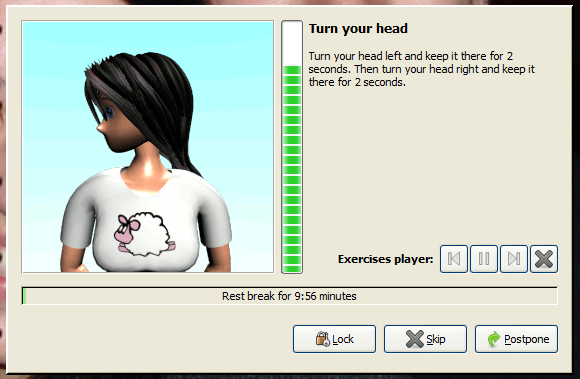
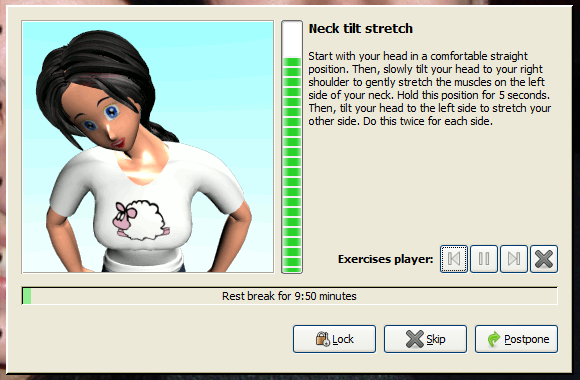
Most people don't even realize how long they stare at the screen without moving their sight of it. When working intense, reading or just chit-chat with friends people tend to forget how long they are doing this. And the pain in the eye is coming. A very simple program that will help you realize for how long you are staring and help you control this time and prevent the eye strain is EyeDefender program. Basically it reminds you that it’s time to move your eyes and to blink few times. It has timer which popup a picture or eye exercise screen on your screen when the time pass.


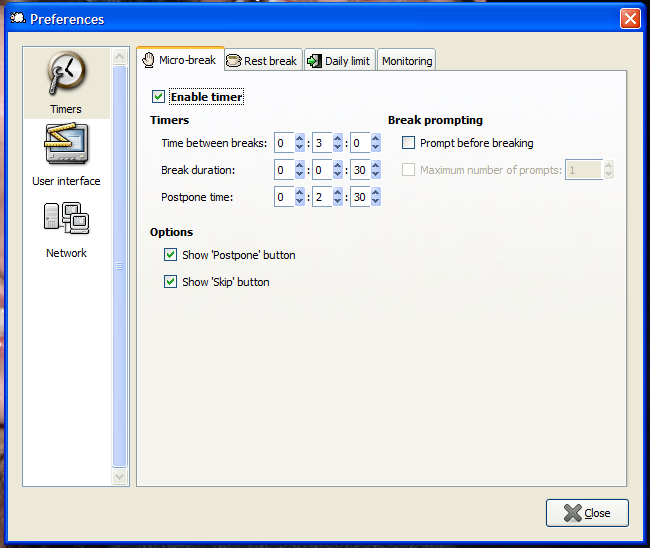
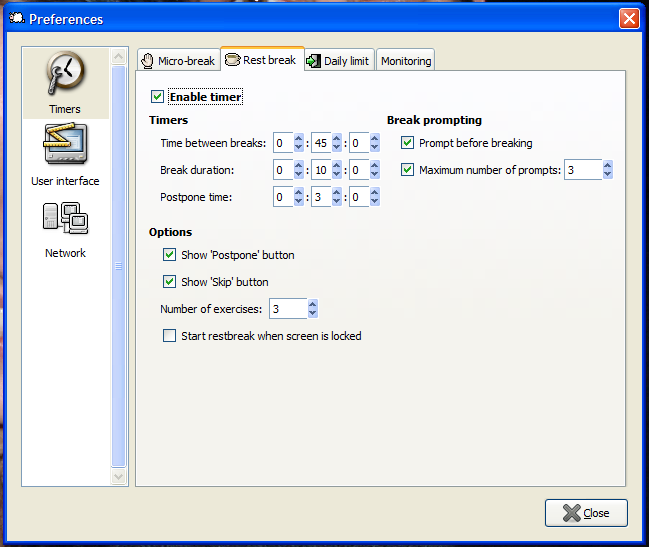
In the begin this program will be really annoying. You will be surprised how often actually it turns on and sometimes in most annoying moment. But this is the time that your eyes actually needs for break. Don't turn it off no matter how annoying it is! Think for a second that it's there for purpose - to protect your eyes. After few days you will get used to it. Its good to set the timer at 20 mins and you can follow the 20-20-20 rule every 20 mins, focus the eyes on an object 20 feet (6 meters) away for 20 seconds or keep them closed. Also you can try the exercises from the EyeDefender. You can stop the exercise any time by double click if you have important work to do. But even if you skip some of the breaks or exercises try to not miss the next one. Follow it as much as you can. If you install this program on your workplace and the pictures and exercises are not appropriate. There is a pop-up message option. Set it and when the time pass you can look at far distance or close your eyes.
More advises how to use such programs on the workplace
here.
Tip 2 - Use proper monitor settings.
The monitor settings are very important for the eyes. Proper brightness and contrast should be used according to the surrounding lighting and for the good image perception. Too bright or too dark image will cause an eye fatigue since you have to put efforts to see the image or read the text. Some monitors are better than others. Cheap TN matrix monitors are worse for the eyes. Nowadays there are also a plenty of IPS monitors which offer great quality. The best for reading however are the one with VA panel since they offer best contrast from all. They doesn't offer best colors but their advantage is their contrast. It allows to reduce the brightness and in same time to keep the high contrast.
One thing that the TN monitors suffer is the back light leakage. There is a lot of space between the pixels that's why the light pass between them reducing the contrast. To make your monitor looks better for reading is good to reduce the brightness and increase the contrast. Here is an suggestion how to adjust your monitor.
 |
| BAD - Default settings. |
Put the brightness and contrast at high level using the monitor buttons. The picture will look bright like this. For example on this monitor the brightness is 80 and contrast 100.
 |
| GOOD - Proper settings. |
Then reduce the brightness and contrast from the computer graphic settings. The image now looks much more contrast and better. If the colors are too strong put the color settings lower
 |
| BAD - Hardware reduced brightness. |
If the brightness is reduced by the hardware only (the buttons) there is chance that the picture will look something like this. In this case the brightness is reduced but the contrast is lost and the image looks grayish.
Tip 3 - Avoid reflections.
There are many shiny items around us which looks nice but sometimes can cause problems for us. The retina of the eye opens according to the surrounding light. If there is shiny items which reflects lights straight in to the eye then the retina closes. Thus making the picture on the screen harder to precept. The result is that you and your eyes get tired fast.
 |
| BAD - Reflections from glossy plastics. |
Avoid monitors with glossy plastics or the result can look like this. The bright spot in the corner makes your retina close. In the same moment you are trying to open you eyes and retina to focus the picture which looks darker compared to the reflection. The result is that your eyes get tired fast.
Tip 4 - Proper lighting
The monitor and the screen is not something separate from the room where it's placed. Very importing thing is the lighting in the room and more specific the light coming to your eyes. This depends from few things.
1. What is behind the monitor.
2. Where are the windows and where is the monitor placed.
3. Where are the lights placed
1. If there is a wall behind the monitor is important is it dark or light. If its dark the monitor can be with reduced brightness. The monitor shouldn't look like light source. If it looks too bright reduce the brightness. If the wall is white and well lightened the brightness should be set higher or otherwise the monitor will look like dark spot. If there is no wall behind the monitor the important thing is the lighting in the room.
2. Monitor shouldn't be placed in front of a window. It may be looks nice but the bright light coming from the window can make the work on the computer impossible. The window should be behind your back or from your side. And if its to bright(if there is too much sun) even in such position that the window is out of the sight without turning your head. left or right.
 |
| BAD -window behind the monitor |
3. The light should be placed in such way that light source itself its not visible when you are working on the computer.
 |
| BAD - light source in the line of sight |
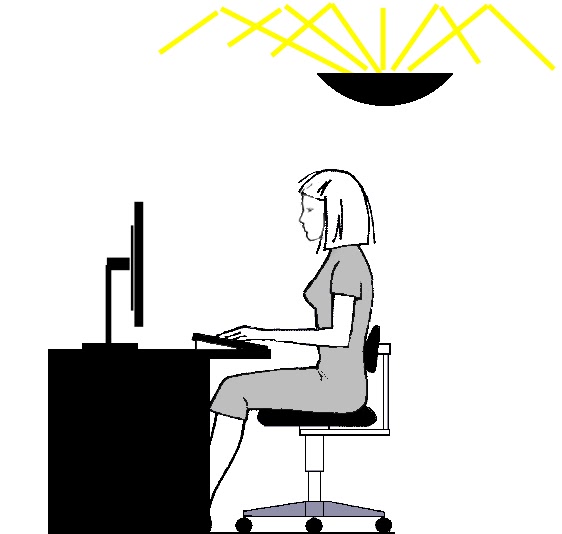
Light source in the line of sight - The light is coming straight into the eye. Bad condition for long reading.
 |
| GOOD light source is out of the sight |
The light source is out of the sight - Light is coming above or behind the work desk. This is the proper work environment.
 |
| BEST diffused light |
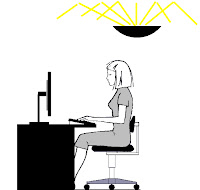
Diffused light - The light source is not visible, the light is reflected from the ceiling which also prevents reflections. This offer the best lighting conditions.
Avoid using computer in complete darkness because it puts pressure on your eyes. Do this for a while and you'll see that you have a red eyes. A small amount of light in is always better than the complete darkness, of course if its not straight in to your eyes like stated above.
Tip 6 - Use reading add-ons and plugins
There are reading add-ons available which are very useful for reading information online. One example for add-on that help reading and reducing eye strain is
Readability. Check this web page
http://ireport.cnn.com/topics/983414?hpt=hp_c4
there are lot of commercials and unnecessary information on the page itself. Also the the text font is black and the background white. With readability its easy to change the font and the background to more soft colors. Here is an example how the page looks with readability turned on.
 |
| Readability ON |
And readability turned off.
 |
| Readability OFF |
As you can see the font size is increased, the background is more softer and the article is placed in the middle of the screen.
There are also other plugins such as "Reader", "Pocket" and so on.
Tip 7 - Eye exercises
If you read the web there are plenty of eye exercises. But there are two types of exercises for vision improvement and for eye relaxing and these are different exercises. In this blog we are focusing on the
second type.
So the question is why are the eye exercises helpful. Like stated above staring at screen keep your eye muscles at the same position and this lead to eye strain. The eye exercises for relaxing are such type of exercises that help your eye muscles to relax. Changing the position of the is what helps here and that why these exercises work. But be careful if your eyes already hurt and you are very tired doing a lot of exercises wont remove the strain like magic stick. Use them to prevent the strain not to heal it. Doing half hour exercises for example when you are already feeling the eye strain wont help you it can even bring more strain. This is the same like the gym exercises proper exercises help you gain muscles, too much exercises will stop you from gaining.
The eye exercises can be used together with the break reminder programs like eye defender to remind you to do the exercises. Use both breaks and exercises to prevent the eye strain.
More advises how to use break reminder programs on the workplace
here.